
Custom Branding
Put your company logo on the emails Signeasy sends your signers.
Advanced PlanCustom branding is available on the API Advanced Plan.
Signeasy puts your logo at the top of the emails it sends your signers, so they know the request comes from you. You set it once in the developer portal. There's no API call for it, and you don't need to change your API calls.
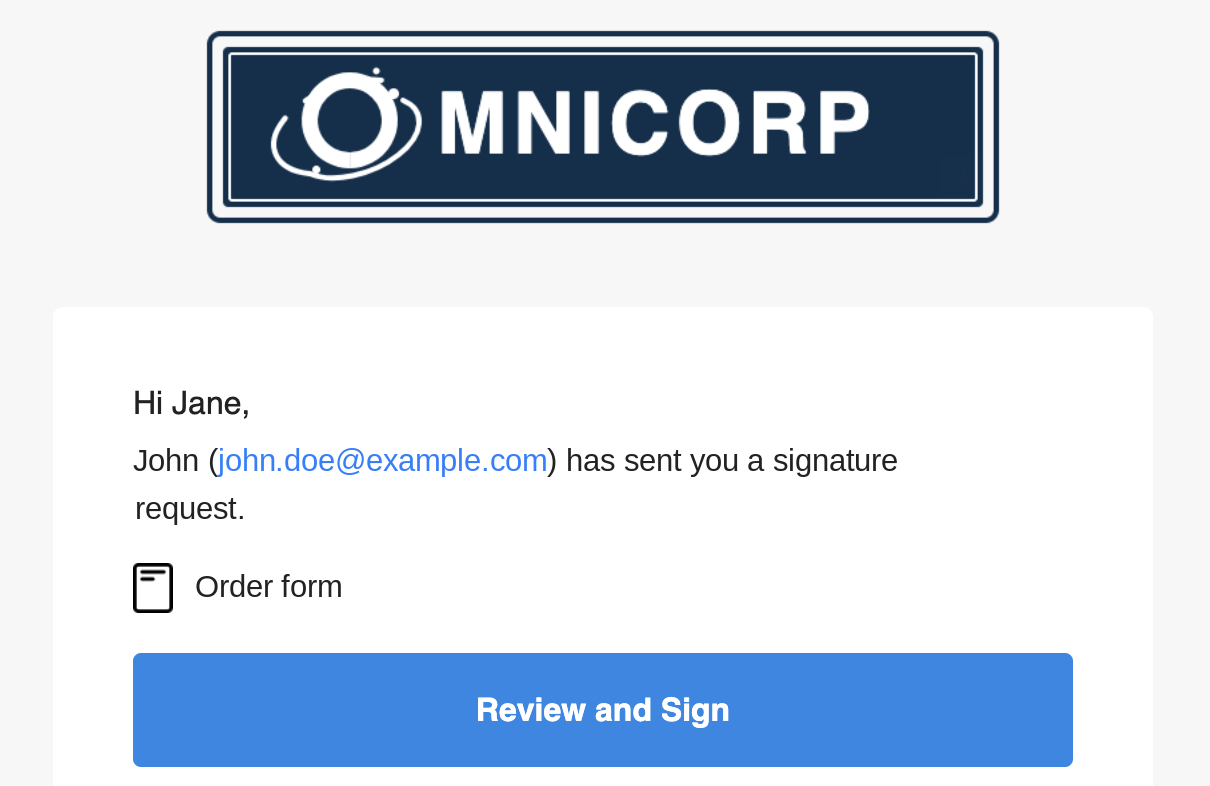
Set your logo
- Sign in to the developer portal.
- Open the profile menu in the top right and choose Account and settings.
- Choose Branding, then Change Logo, and upload your logo as a PNG file. Other formats aren't supported.
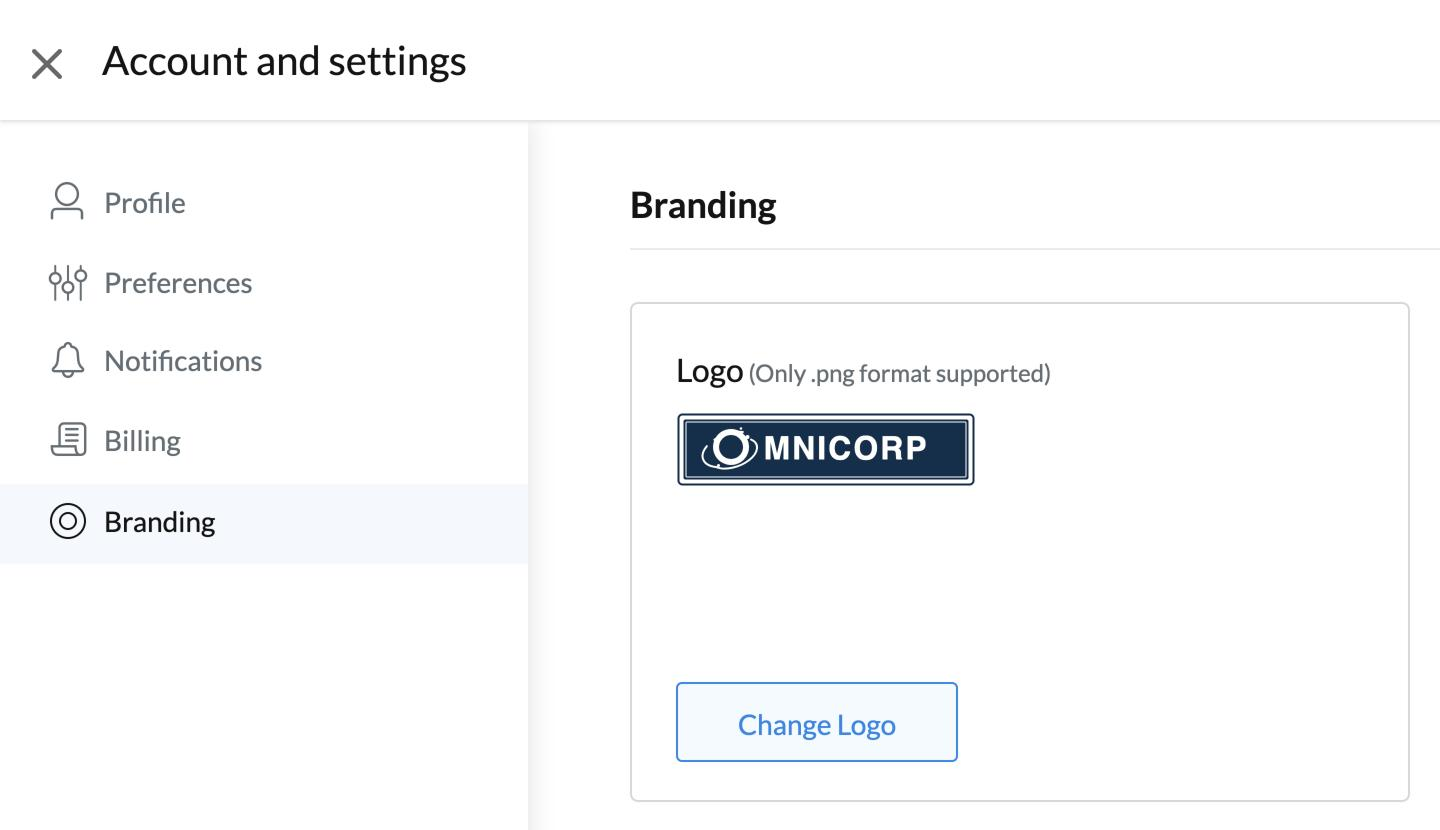
The logo is an account setting, so every app on your account uses it.
Where your logo shows
| Where | Your logo |
|---|---|
| Emails to signers, such as the signature request | Yes |
| The signing page, including embedded signing | No |
| The embedded sending page | No |
The emails still come from [email protected], and the subject line ends with "on Signeasy".
Envelopes created with embedded_signing set to true send no emails, so signers in an embedded signing flow don't see your logo.
Updated 8 minutes ago
Did this page help you?